**Please note: This post was updated on September 23, 2026.**
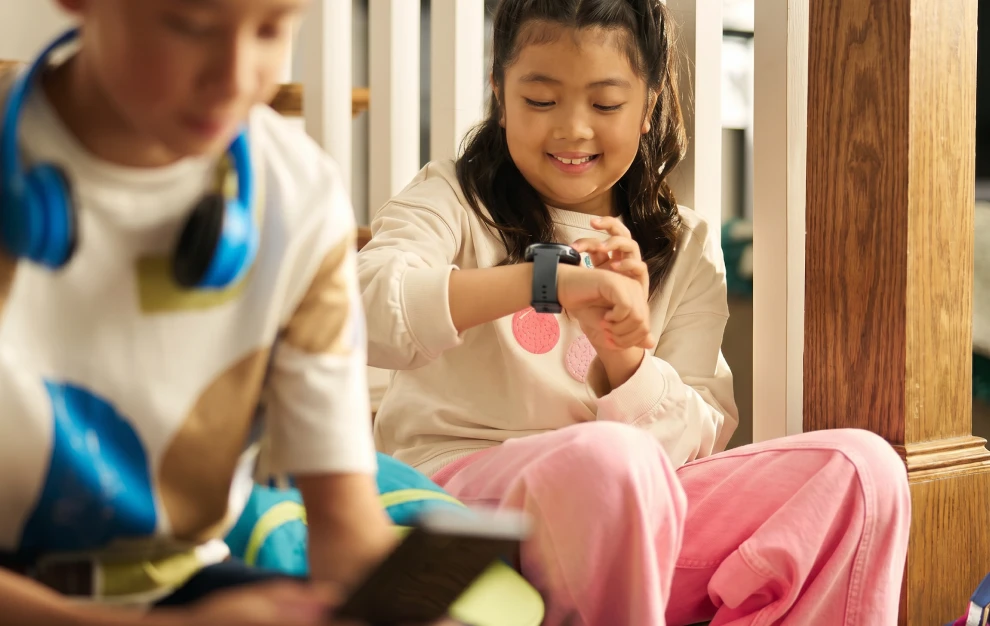
If you’re thinking about giving your child a little more independence and responsibility — but aren’t quite ready for a starter smartphone — a kids' smartwatch is the perfect solution. In the past, the closest thing parents could get was a fitness tracker with limited communication ability. But now, we’ve seen a boom in the market for kid-focused watches — but what is the best smartwatch for kids?
When kids first start going to a friend’s house by themselves or staying after school, many parents understandably are looking for ways to keep tabs on them and give their kids an easy way to reach them in an emergency. A kid’s smart watch can help you ensure your child is safe while they’re away from home, as most of them come with GPS location tracking and the ability to call or text.
But of course, there are a few more important features parents should look for when deciding what smart watch for kids is the best fit for their family. So we did the research and pulled together all the information you need to decide — why a smart watch is better than a smartphone, what features you should look for, plus a comparison of some of the most popular options on the market.
Why Is a Smart Watch Better Than a Smartphone?
The truth is, the answer to this question is different for each family. Some families have a reason to get a smartphone before they get a smart watch for their child. But generally, smart watches are a great introduction to a kid’s first personal device. What exactly are the pros and cons of using a smart watch instead of a smartphone for your child? Here’s the breakdown:
| Feature | Kids Smart Watch ⭐ | Smartphone |
|---|---|---|
| Screen-Time Risks | Limited by design | High potential for overuse |
| Social Media Exposure | None or blocked | High risk of access |
| Cyberbullying Risk | Low (parent-controlled contacts) | High |
| Durability | Designed for active kids | Fragile and expensive to repair |
| Distraction Level | Low | High |
| Cost | Generally lower cost | Higher upfront cost and plan |
What Features Should I Look For in a Kid’s Smart Watch?
Again, every family has different needs when it comes to what they need in a kid’s smart watch. However, these are some of the main features to look for, and more importantly, the right questions to be asking as you research different options.
- Reliable GPS tracking: How does location tracking work? Is it real-time GPS location tracking? What do reviews and other parents say about the accuracy of the location tracking?
- Controlled communication: Can the watch limit calls and messages to a parent-approved contact list?
- Emergency SOS functions: Can kids call 911? Can you set emergency contacts? If so, can those numbers be reached quickly in the event of an emergency?
- No unfettered internet or social media: Does this watch truly block all access to apps and internet access? Does it allow games, and if so, do parents have the ability to manage access to those games?
- Durability and battery life: Is it built to be durable for active kids? How long is the battery life? What do reviews and other parents say about the quality of the battery life?
- Balancing affordability and safety: Is the watch priced fairly for the safety features it includes? How does the cost compare to similar watches with the same GPS and parental control features? Are there ongoing fees (data plan, subscription) on top of the upfront price?
- Privacy and data security: What data is collected and what are the company’s privacy policies around collected data? How secure is it?
- Fitness tracking: Are there models that offer fitness tracking alongside safety features?
Our Top Seven Smartwatches for Kids
The Bark Watch
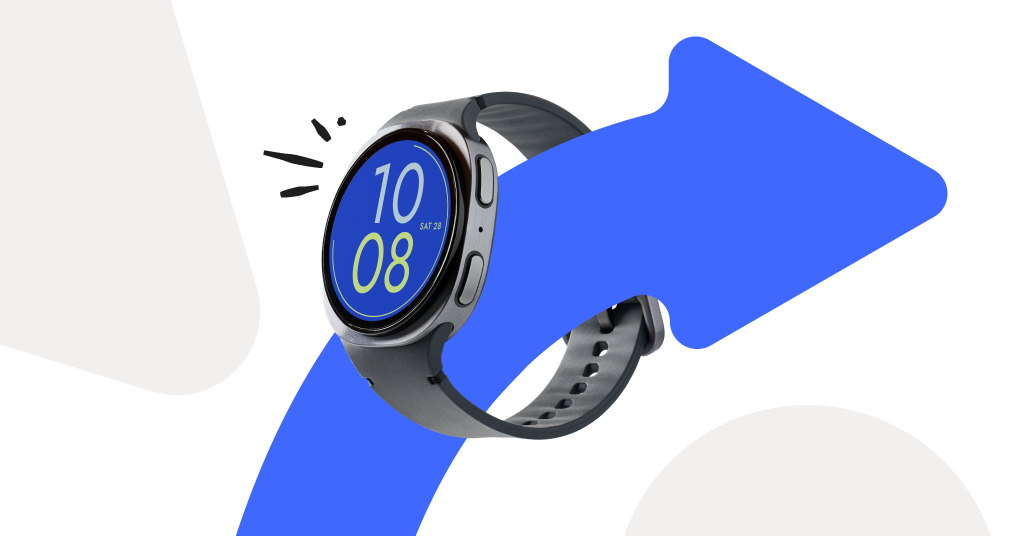
Taking everything we've heard parents want in a safer smartwatch for kids, we designed our own smartwatch with all those key features in one device. The Bark Watch is a simple, reliable kid’s smart watch with just calling, texting, and GPS location tracking. No access to the app store or internet access. Parents can approve contacts, and kids can use the keyboard to text or use voice-to-text. Location tracking uses real-time GPS technology with speedy, accurate tracking abilities.
The Bark Watch is a Samsung Galaxy watch, which means it’s a quality device that parents can trust. It’s durable and comes with some of Samsung’s basic functions such as an alarm, timer, stopwatch, calculator, reminders, and the Samsung Health app. It also uses Samsung’s emergency features so kids can call 911 and emergency contacts if the need ever arises.
Finally, the Bark Watch comes with Bark’s tried-and-true parental controls and monitoring features that parents have been using and trusting for years now. If any concerning content is detected in your child’s messages, an alert will immediately be sent to your phone. This way, you can give your child the healthy level of independence they need without sacrificing the peace of mind you need as a parent.
TickTalk4
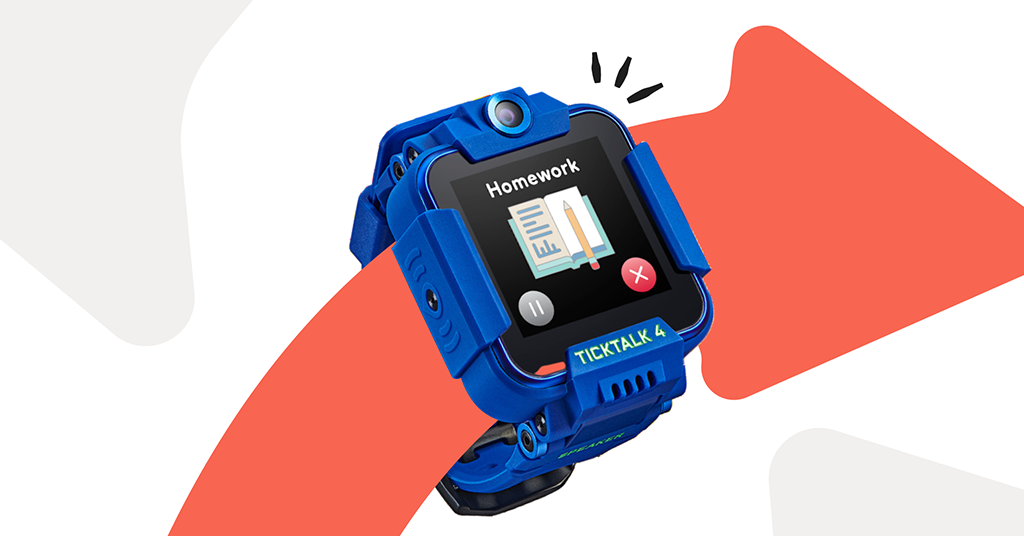
The TickTalk4 comes complete with preset texts, location tracking, and zero internet, games, or apps. Parents can download a free app where they can communicate directly with their kids. Along with preset text messages, kids can also respond with voice-to-text messages and video calling. With active use, this watch requires daily charging, with some parents saying multiple times a day. It’s worth noting that since a special, separate app is required, it may be hard for some friends or family — such as grandparents — to communicate with your child.
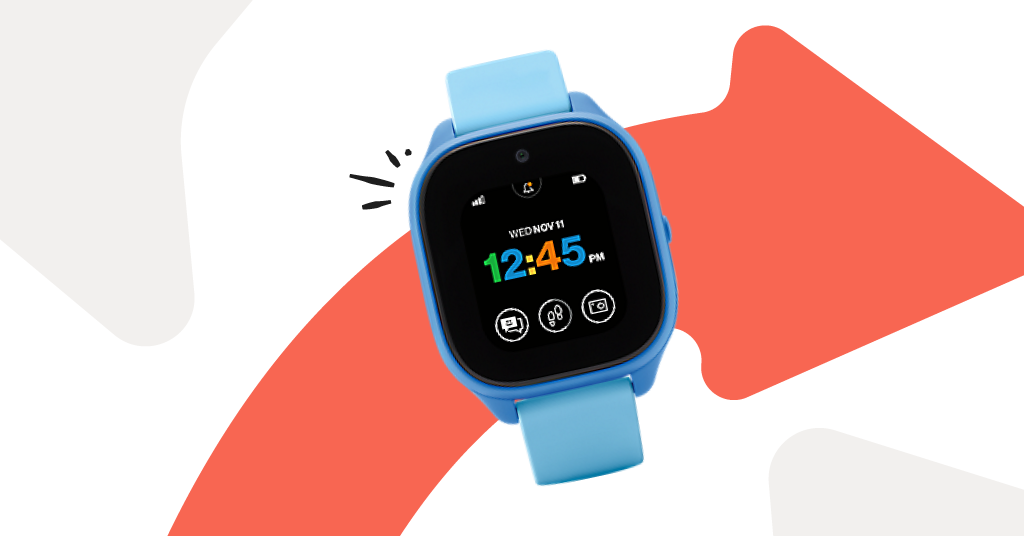
Verizon GizmoWatch 3
When it comes to smartwatches for kids, the GizmoWatch 2 prides itself on being designed “with kids in mind.” You can set up to 10 contacts who your children can call, leave voice messages for, and text pre-set messages. With this watch, parents are required to have a Verizon Wireless account and use the Verizon Family app (in replacement of the previous GizmoHub app) to send and receive messages from the watch. Parents can also set up location tracking and geofencing alerts through the app.
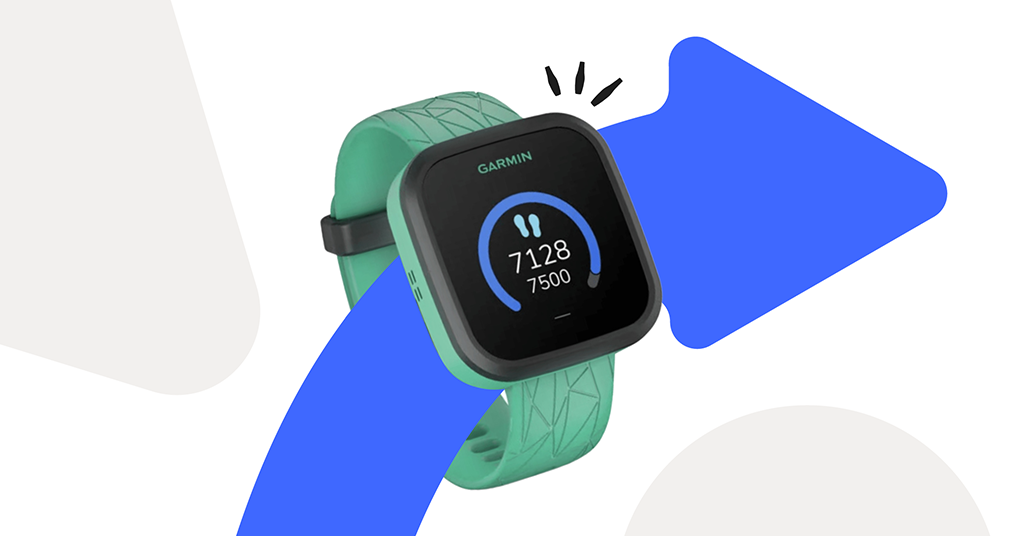
Garmin Bounce
Garmin is a fitness-focused brand, and the Garmin Bounce is designed specifically for more active kids. Kids can send pre-set texts to up to 20 contacts, including the family group chat. The watch can track kids’ location and record their sports activities, though some reviews have noted the tracking to be slow to update. Parents and others will have to use the Garmin Jr. app to receive and respond to messages from the watch. The app is also where parents can monitor activity. The Garmin Bounce doesn’t have the ability to make calls; however, it does have voice messages.
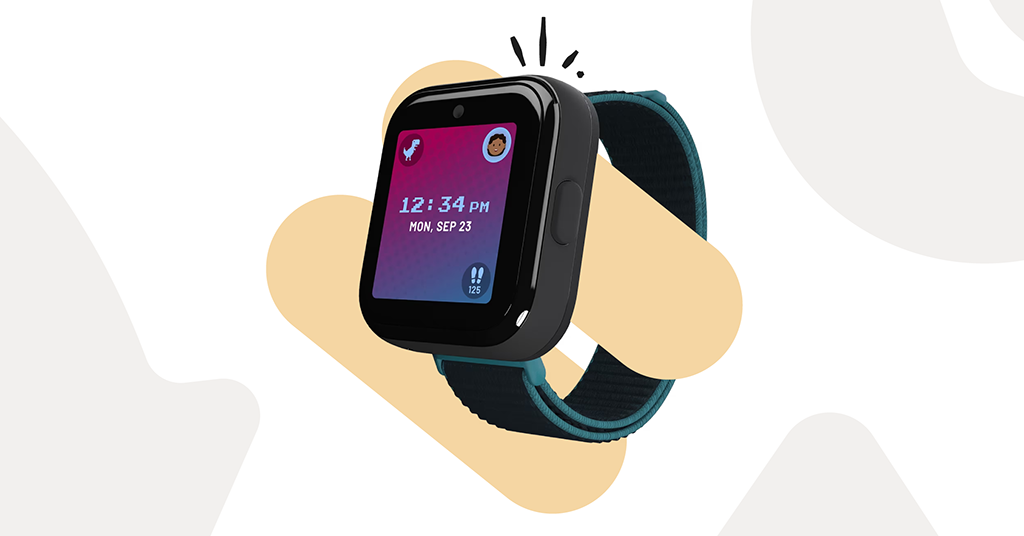
T-Mobile SyncUP
The T-Mobile SyncUP watch comes with the staples of a good kid’s smartwatch: talk and text, location tracking, contact approval, and a parental control app to customize settings. The watch also comes with fun features such as a camera and games. But these things can be limited with the use of School Mode if you want to keep your kid on task.
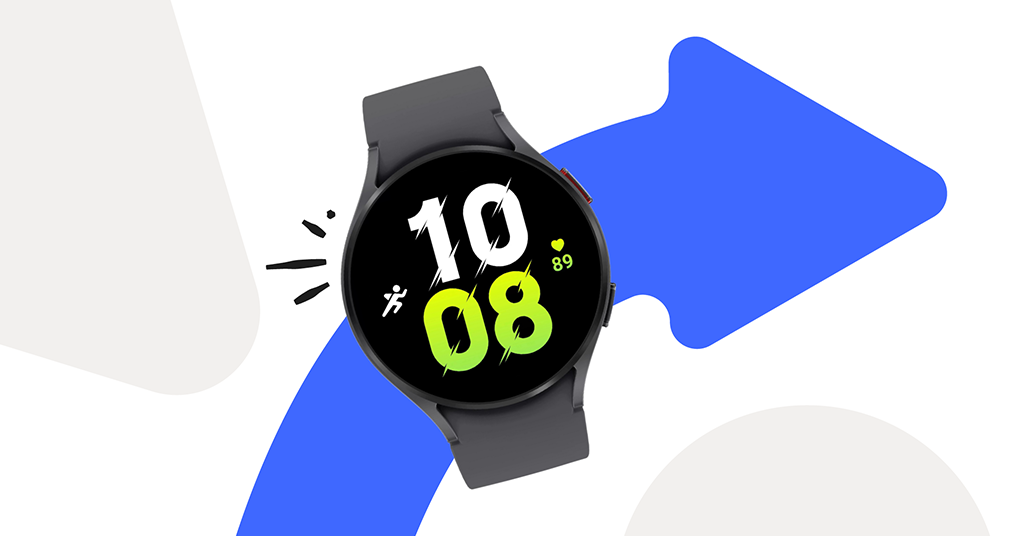
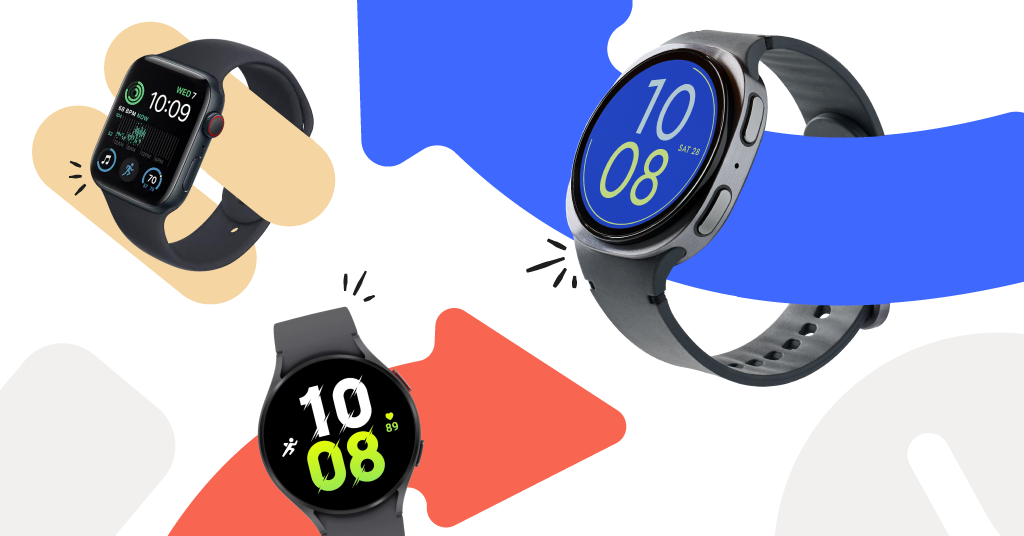
Samsung Galaxy Watch5
While Samsung doesn’t technically make kid-designed smartwatches, we still have a few reasons to add it to this list. Samsung offers the option to make some of their watches standalone, so your kid still doesn’t need a smartphone to use it. Your kids will have their own phone number that you can text or call straight from your number (no third-party app required here!). They can also stream music, track their activity, and access various apps.
As mentioned, this isn’t necessarily intended for kids. The parental control options are limited, and parents have found that this sometimes creates blind spots in what they can manage and monitor on the device. This is definitely for parents who are okay with giving their older kids more tech and internet responsibility.

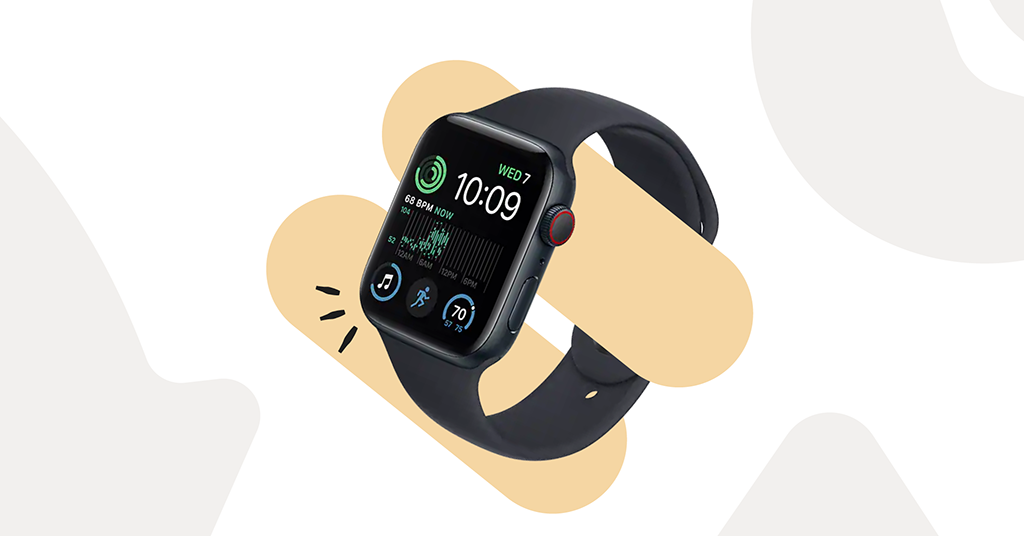
Apple Watch SE LTE
Just like the Samsung watch, Apple also offers the ability to make select models standalone. Then, parents can add the watch to the Family Sharing feature and use the same parental controls that are available on other iOS devices (Note: this means an iPhone or iPad will be needed by someone else in the family to set up Family Sharing). With this, parents can track location, add screen time rules, manage contacts, and create a Schooltime schedule.
Keep in mind that this is another option that’s not originally intended for kids, but parents can add limited controls after the fact. Apple’s Screen Time features have been known to have loopholes that allow kids to circumvent the parent’s settings.
How Do I Set Up Parental Controls On My Kid’s Smart Watch?
One thing we haven’t mentioned yet that every parent is undoubtedly looking for in their kid’s tech is something that is easy and intuitive to use. No parent wants to feel like they need an IT degree just to set up a kid’s smart watch. That’s why Bark made it as simple and streamlined as possible — also based on real parent feedback on what makes the setup process easiest.
Bark allows you to easily set up, manage, and monitor your child’s Bark Watch activity straight from your phone. Here’s a brief, step-by-step guide on how to set up parental controls on a Bark Watch:
- Turn on the Bark Watch
- Connect it to Wi-Fi
- Scan the QR code with your parent phone
- Log in to your Bark parent account or create one
- Follow the prompts on your phone to connect the Bark Watch to your account and choose your settings.
Order Your Bark Watch Today
Ready to get your child a Bark Watch of their own? Visit our site to get yours today for just $15/month, plus device!
Read more
Bark helps families manage and protect their children’s digital lives.